- Get-Command: List all available commands.
- Get-Help: Get help and examples for a command.
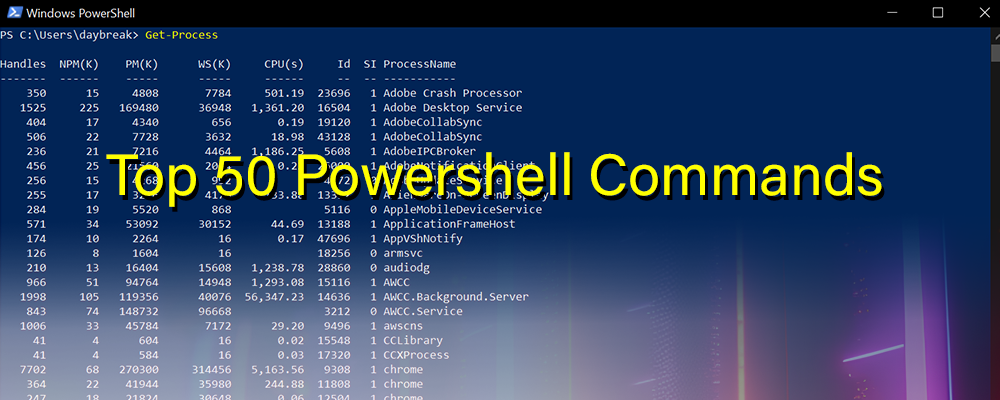
- Get-Process: List running processes.
- Stop-Process: Terminate a running process.
- Get-Service: List Windows services.
- Start-Service: Start a stopped service.
- Stop-Service: Stop a running service.
- Restart-Service: Restart a service.
- Get-EventLog: Retrieve event logs.
- Get-WmiObject: Access WMI (Windows Management Instrumentation) objects.
- Get-Content: Read the content of a file.
- Set-Content: Write content to a file.
- Select-Object: Select specific properties from an object.
- Where-Object: Filter objects based on a condition.
- ForEach-Object: Loop through a collection of objects.
- If: Perform conditional statements.
- Test-Path: Check if a file or folder exists.
- New-Item: Create a new file or folder.
- Remove-Item: Delete a file or folder.
- Copy-Item: Copy a file or folder.
- Move-Item: Move a file or folder.
- Rename-Item: Rename a file or folder.
- Get-ChildItem: List files and folders in a directory.
- Measure-Object: Calculate the properties of an object, such as length or size.
- Out-File: Send output to a file.
- Write-Host: Display output to the console.
- Get-Host: Get information about the PowerShell host.
- Get-Date: Retrieve the current date and time.
- Set-ExecutionPolicy: Change the execution policy for scripts.
- Invoke-Expression: Run a string as a command.
- New-Alias: Create a new alias for a command.
- Get-Alias: List all available aliases.
- Export-Csv: Export data to a CSV file.
- Import-Csv: Import data from a CSV file.
- Get-Location: Display the current working directory.
- Set-Location: Change the current working directory.
- Clear-Host: Clear the console screen.
- Get-Variable: List all variables in the current session.
- Set-Variable: Set the value of a variable.
- Get-Process | Sort-Object CPU -Descending | Select-Object -First 5: Get the top 5 CPU-consuming processes.
- Get-Service | Where-Object Status -eq ‘Stopped’: List all stopped services.
- Get-EventLog -LogName Application -Newest 10: Retrieve the latest 10 entries from the Application event log.
- Get-WmiObject Win32_BIOS: Get BIOS information.
- Get-WmiObject Win32_ComputerSystem: Get computer system information.
- Get-WmiObject Win32_Processor: Get processor information.
- Get-WmiObject Win32_LogicalDisk: Get information about logical disks.
- Get-WmiObject Win32_Service: Get information about services.
- Get-Content C:\file.txt -Tail 10: Read the last 10 lines of a file.
- Get-ChildItem -Recurse -Directory: List all subdirectories recursively.
- Get-Help Get-Command -ShowWindow: Open the Get-Command help in a separate window.
More from the Journal
-
Oct 11, 2026
-
Oct 11, 2026
-
Oct 11, 2026
-
Oct 11, 2026
 Tyler
August 22, 2026
2 min read
Tyler
August 22, 2026
2 min read