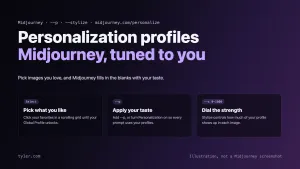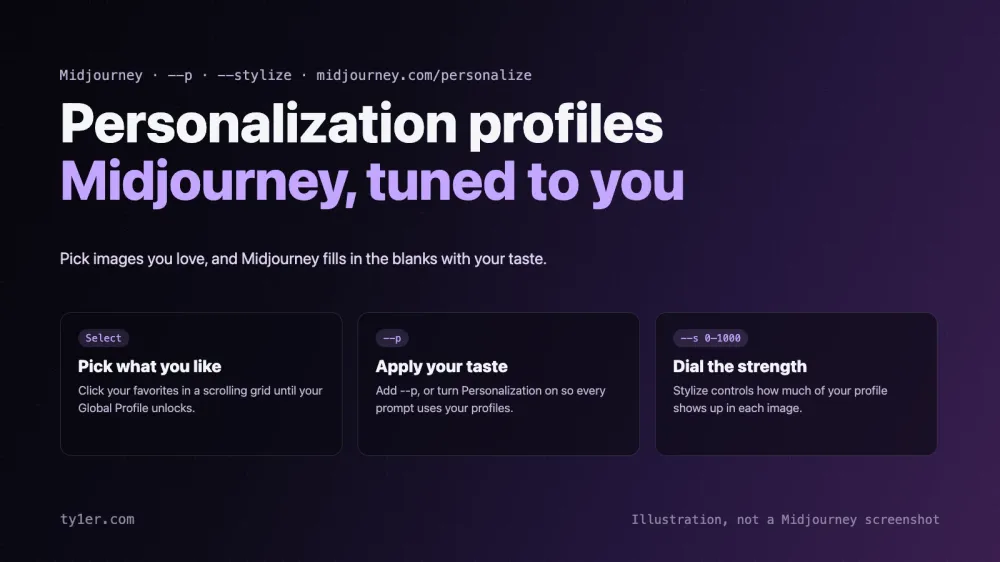
Every prompt leaves gaps. Ask Midjourney for “a house by the sea” and it has to decide the lighting, the palette, the medium, the mood, and a hundred other details you never mentioned. Personalization lets Midjourney fill those gaps with your taste instead of a generic default. You show it images you like, and it builds a profile that you can apply to any prompt with --p.
Personalization has become central to how Midjourney works. V7 was the first model with it turned on by default, and V8.2's headline feature is that it “understands” your taste much better. This guide covers how to set up your profiles, use and tune them, manage several of them, and get the most out of them as an artist. It's based on Midjourney's Personalization documentation and updates page, checked on October 11, 2026.
What Personalization does
Midjourney describes Personalization as acting “like a style assistant for your image creations.” By liking or selecting images, you teach Midjourney which aesthetics you love, and it uses that to generate images tailored to your taste. As the original June 2024 announcement put it, everyone is different, and personalization learns what you like “so that it's more likely to fill in the blanks with your tastes.”
It's different from a style reference. A style reference copies the look of a specific image. Personalization is broader: your overall preferences, applied to everything you make. Moodboards sit in between; they're a kind of personalization built from images you choose for a particular project. Our moodboards and style references guide covers those in depth. Personalization works in Midjourney version 6 and later, including Niji.
Step 1: Unlock your Global Profile
Everyone starts with a Global Profile, and you need to unlock it before you can use --p or create other profiles:
- Open Midjourney's Personalize page and find your Global V7 Profile.
- Click the profile's thumbnail area to open a grid of images.
- Click the images you like best, and keep scrolling and picking.
- Watch the progress bar at the top. Once you've selected enough images, your profile unlocks.
This grid picker arrived in February 2026. It replaced the older method of choosing between two images at a time, and Midjourney says it's “faster, more accurate, and more fun”. Your Global Profile also learns from images you like on the Explore page and from the Rank Image Aesthetics task on the Tasks page. You can't delete a Global Profile.
Tip: unlocking is just the minimum. Midjourney recommends spending more time selecting images, because the more you pick, the better the results match your style.
Step 2: Use it with --p
There are two ways to apply Personalization:
- Per prompt: add
--pto the end of a prompt to apply your default profiles. - Always on: click the Personalization button next to the prompt bar; the icon changes color when it's on. Use its dropdown to choose your default profiles, which are then added to every prompt. In Discord, turn on the 🙋 Personalization button in settings.
a quiet bookshop on a rainy evening --pWhen you submit, Midjourney replaces --p with a specific code that captures the exact state of your profile at that moment.
Step 3: Dial the strength with --stylize
The --stylize (or --s) parameter controls how much of your Personalization is applied, from 0 to 1000 (default 100). Lower values keep it subtle; higher values let your taste take over.
a quiet bookshop on a rainy evening --p --s {50, 250, 750}That permutation runs three jobs so you can compare strengths side by side. When V8 launched, Midjourney's advice was to use your personalization and “even crank it to --stylize 1000” while V8's default aesthetics were still being tuned.
Multiple profiles for different looks
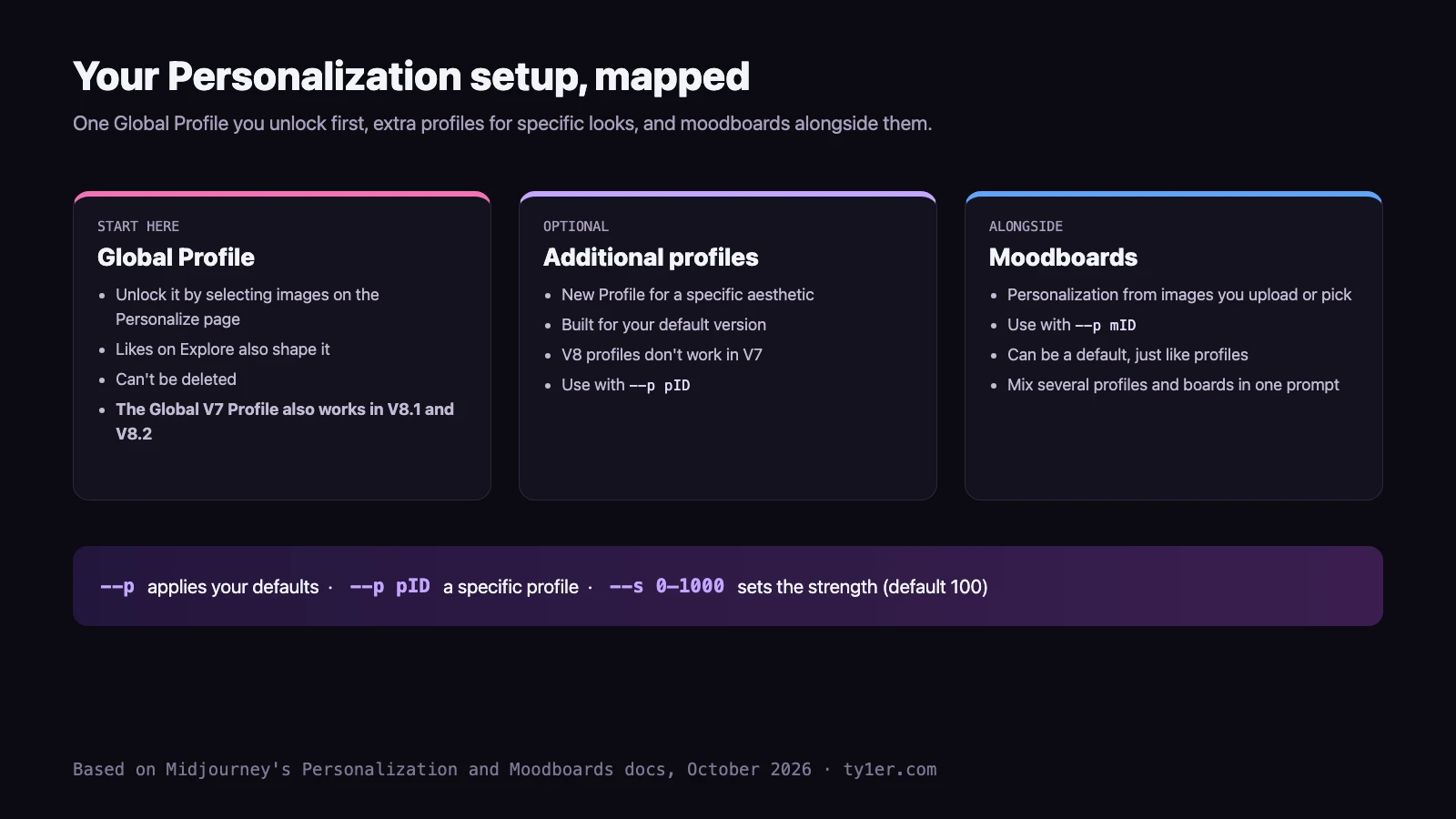
Since December 2024 you can have more than one profile. Click New Profile on the Personalize page to build one around a specific aesthetic, such as one for moody painterly work and another for clean product shots. New profiles are built for your default version, so to make a V6 profile, set V6 as your default first.
- Use a specific profile: click its use icon to add
--p pIDto your prompt. - Pick your defaults: the Select button chooses which profiles (and moodboards) apply when Personalization is on. You can select more than one.
- Mix them: combine several profiles, moodboards, and style references in one prompt to blend tastes.
- Rename or delete: use the three-dot menu. On the alpha site, deleting now gives you an Undo instead of a confirmation dialog.
cyberpunk market at night --p pID mID --sref 2708276657Profile codes: snapshots of your taste
Profiles keep changing as you select more images, and each change generates a new code, like a version label. That has two useful effects:
- Old work stays reproducible. Since V6.1, any personalization code from an old job reapplies the exact profile and model used for that job. Reuse it with
--p code. - Copy the ID for the latest version. A profile ID (
pID) always uses the current state; it's converted to a code when you submit.
Find older codes in your previous prompts, or with the /list_personalize_codes command in Discord. Codes keep working even if you delete the profile, and you can share a code so others can apply the same personalization effect.
Personalization in V8.1 and V8.2
- Your V7 profile carries over. V8 launched with backward compatibility for V7 profiles, and the docs confirm the Global V7 Profile works in V8.1 and V8.2. There isn't a Global V8 profile yet.
- You can make V8 profiles, but they don't work in V7.
- V8.2 reads your taste better. Midjourney says Personalization in V8.2 “will ‘understand’ your personal taste much better,” especially on profiles with lots of ratings. New V8.2 profiles also draw from “a much larger and improved pool of images.” Midjourney encourages trying both old and new profiles with V8.2.
- It works with the Edit model, so your taste carries into edits, references, and retexturing.
- Niji 7 got Personalization in February 2026, for anime and illustration work.
Midjourney's Version docs also note that you may need to unlock your Global V7/V8 Personalization Profile before you can use V8.1.
How Personalization has evolved
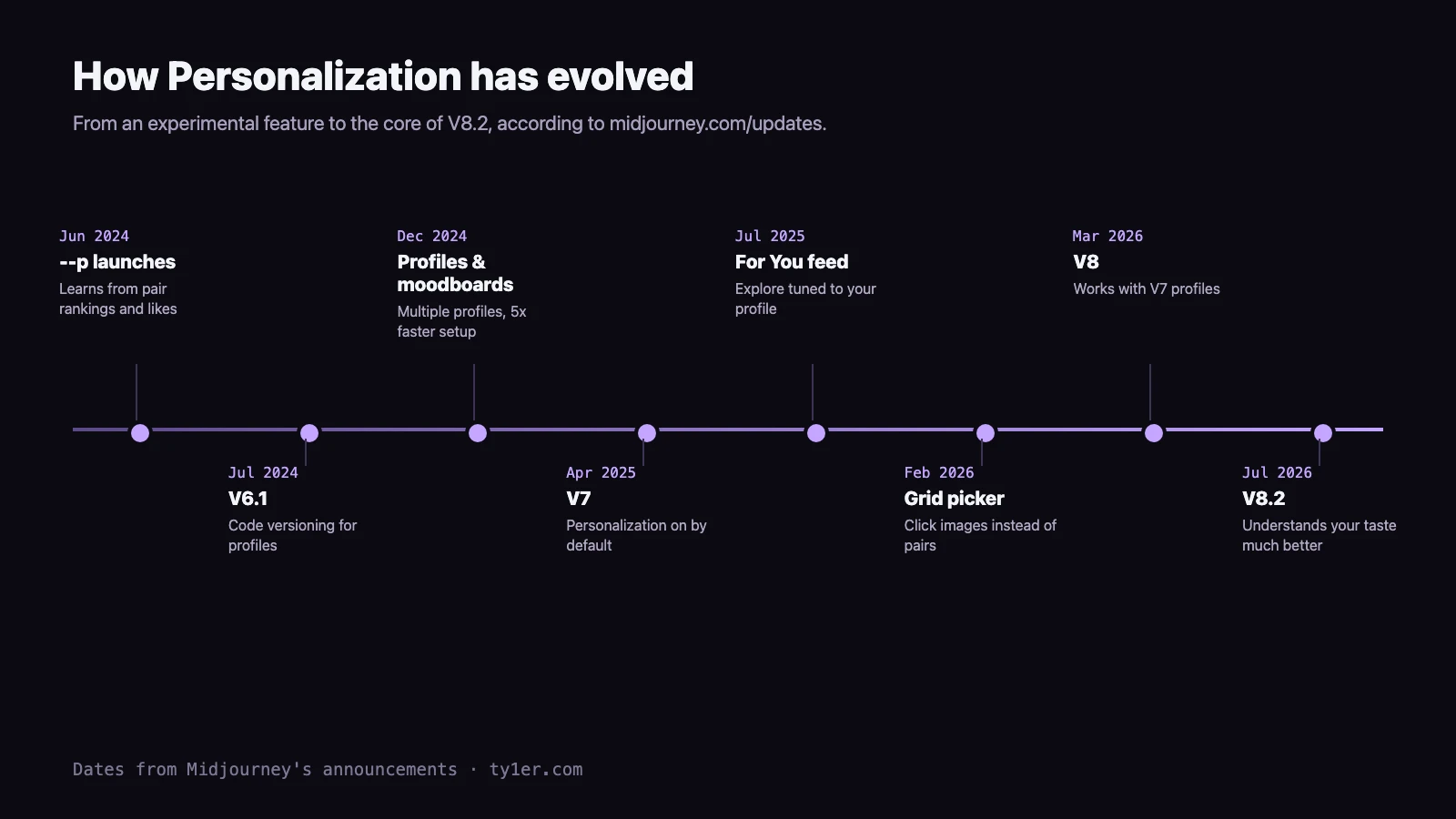
A few milestones explain how it works today. When --p launched in June 2024, Midjourney called it “a fun feature constantly in flux.” December 2024 brought multiple profiles and moodboards, plus much faster setup. V7 made Personalization the default in April 2025, and Midjourney later reported that the improved profiles were preferred by 85% of users. Since July 2025, Explore's “For You” feed uses your V7 personalization to recommend community images and videos.
New on the alpha site
Recent changes on alpha.midjourney.com make profiles easier to use alongside other style tools:
- The Styles sidebar has a Profiles tab. Hover over a profile tile to preview it in your prompt bar, and click to add it (September 23).
- Live style previews now work with profiles, so you can see your prompt rendered through a profile before generating (October 1).
- A profile on its own shows as a pill reading “Personalization On”, and Personalization no longer applies when the toggle is off, after a fix in August.
Tips for artists
- Select for taste, not subject. When picking images, focus on what you love about how they look (color, light, texture, composition) rather than what they show.
- Make a profile per body of work. Separate profiles keep a children's book, a sci-fi concept project, and your personal work from bleeding into each other.
- Record your codes. Save the exact
--pcode alongside finished pieces, so a client revision months later can match the original. - Turn it off when you need neutral. For reference images, product mockups, or matching someone else's brand, switch Personalization off or use
--rawwith a style reference instead. - Keep feeding it. Profiles improve with more selections, and V8.2 rewards profiles with lots of ratings. A few minutes of picking now and then keeps your profile current as your taste changes.
Quick reference
| Syntax | What it does |
|---|---|
--p | Applies your default profiles and moodboards |
--p pID | Applies a specific profile's latest version |
--p code | Reapplies an exact earlier snapshot |
--p mID | Applies a moodboard |
--stylize, --s | Personalization strength, 0–1000 (default 100) |
/list_personalize_codes | Lists your codes in Discord |
For the full parameter list and a step-by-step setup tab, see our Midjourney cheatsheet. More Midjourney guides: 2026 updates for artists, moodboards and style references, and video features.